Case study
Interactive
Operations Manual
Interactive documentation that turns scattered procedures into a usable, navigable system. Built for a GovCon IT firm using InDesign's interactive PDF toolkit.
IT Availability
GovCon · IT
2024–Present
InDesign
Interactive PDF
Problem
What wasn't working
Key procedures lived across multiple sources and "ask someone"
New hires struggled to find steps quickly
Formatting drift made updates inconsistent
Solution
What I designed
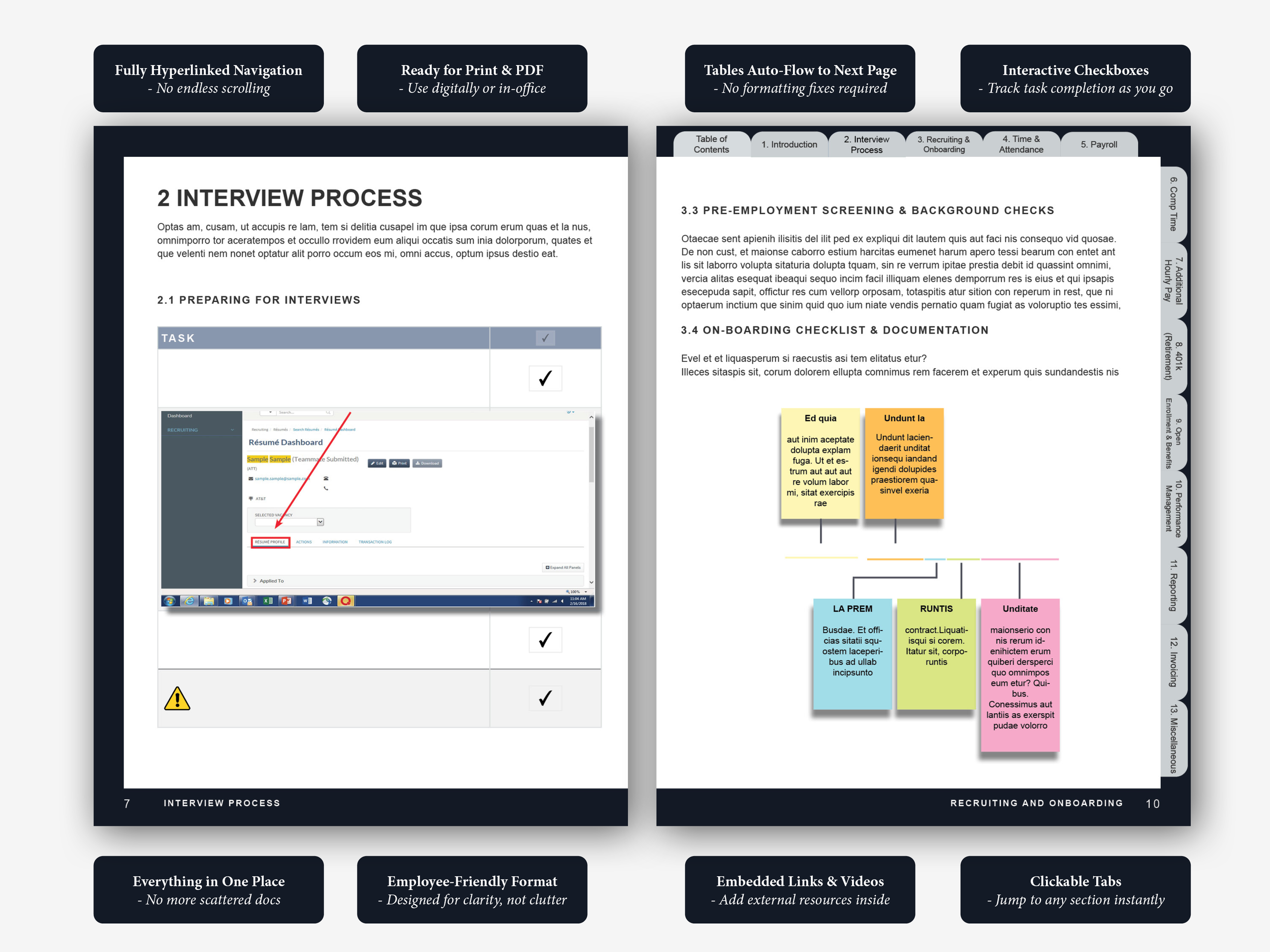
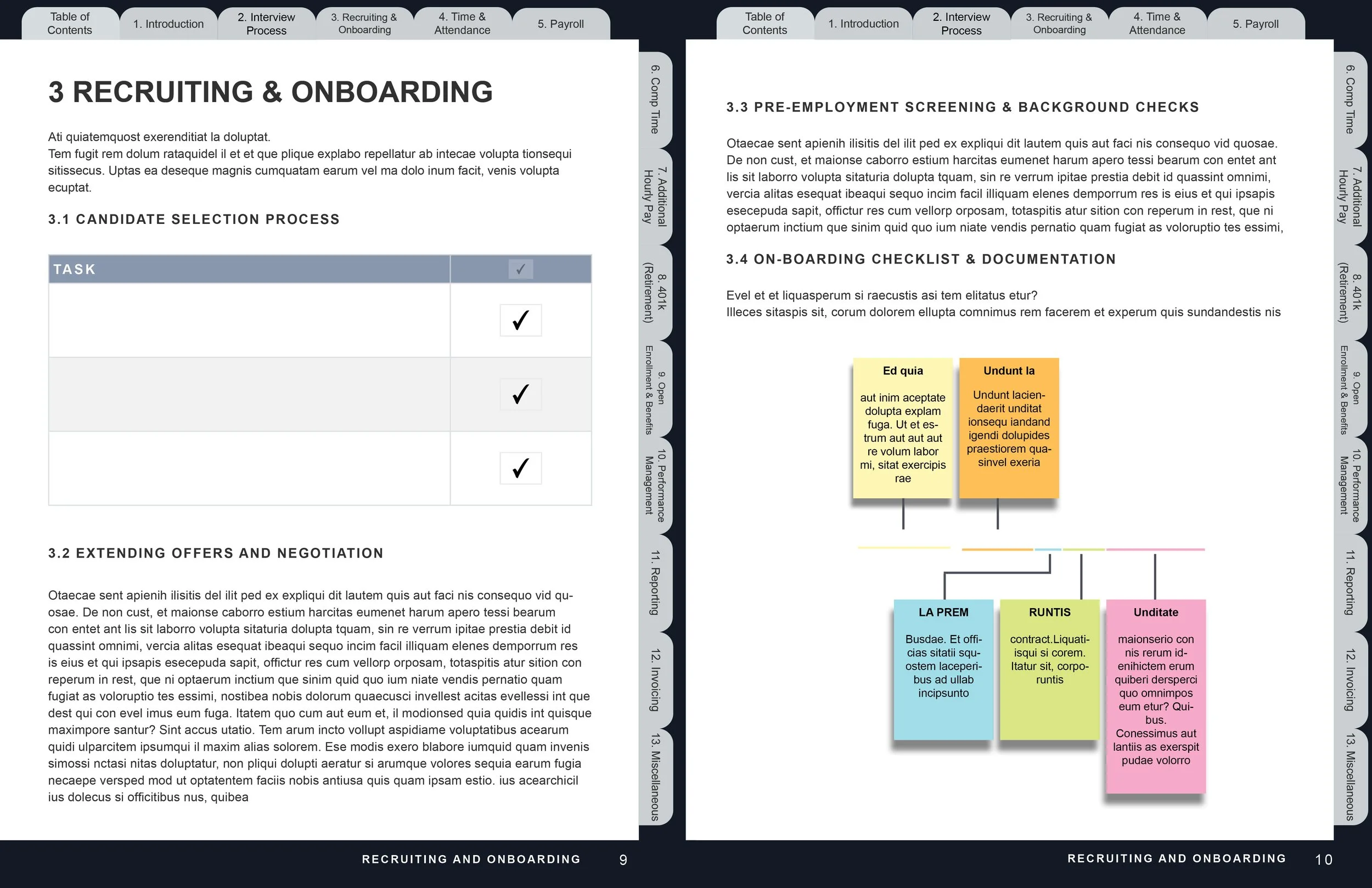
Interactive navigation model — TOC + tabs + bookmarks
Standardized page templates for repeatable SOPs
Checklists + embedded references for execution
Impact
What changed
Faster findability — less scrolling, fewer dead ends
More reliable completion via checklists + clearer steps
Easier updates — styles + templates prevent reformatting
Featured tour
See how the manual works
in about 20 seconds.
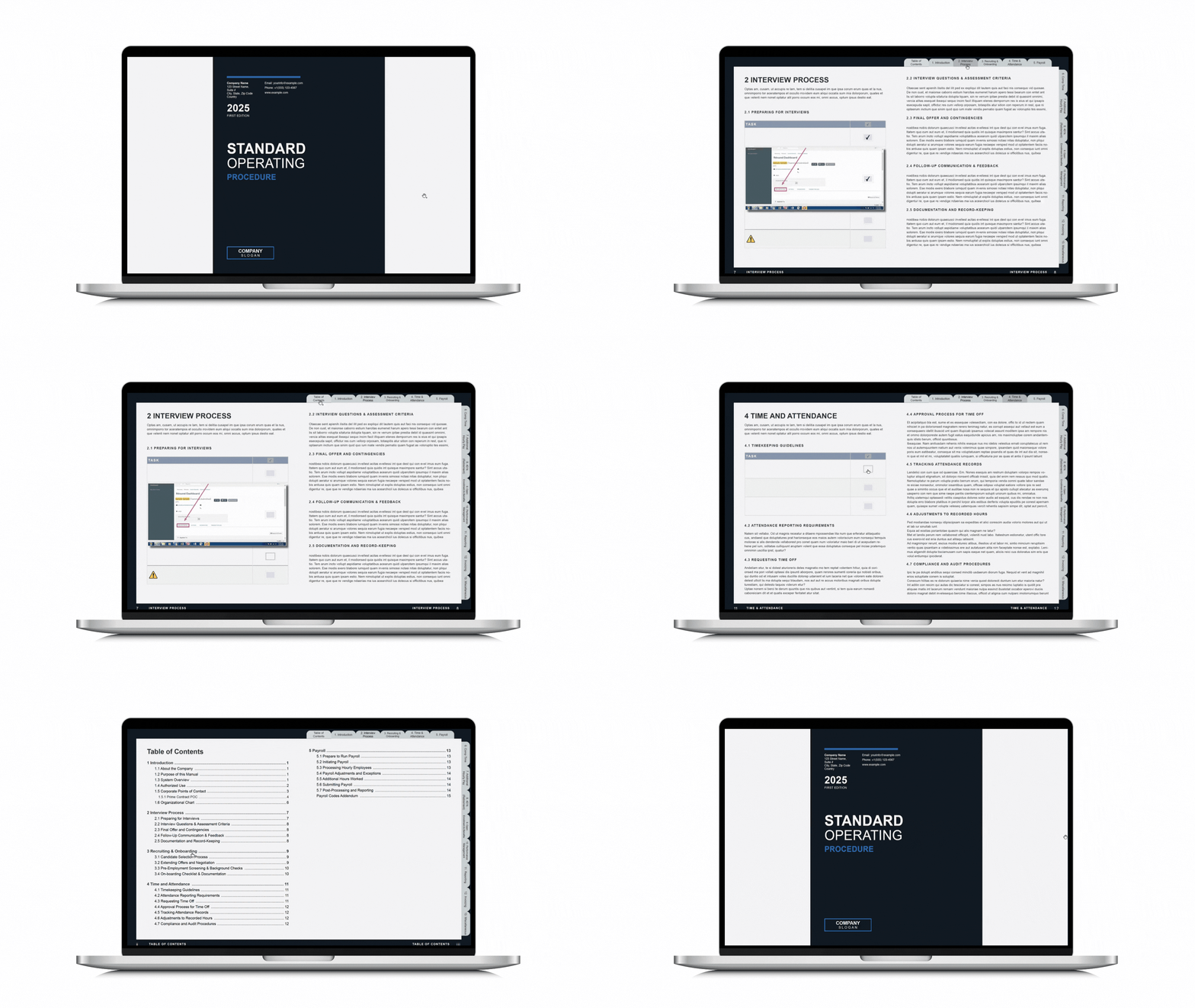
Click through 5 annotated steps showing how the interactive navigation, checklists, and SOP templates work together.
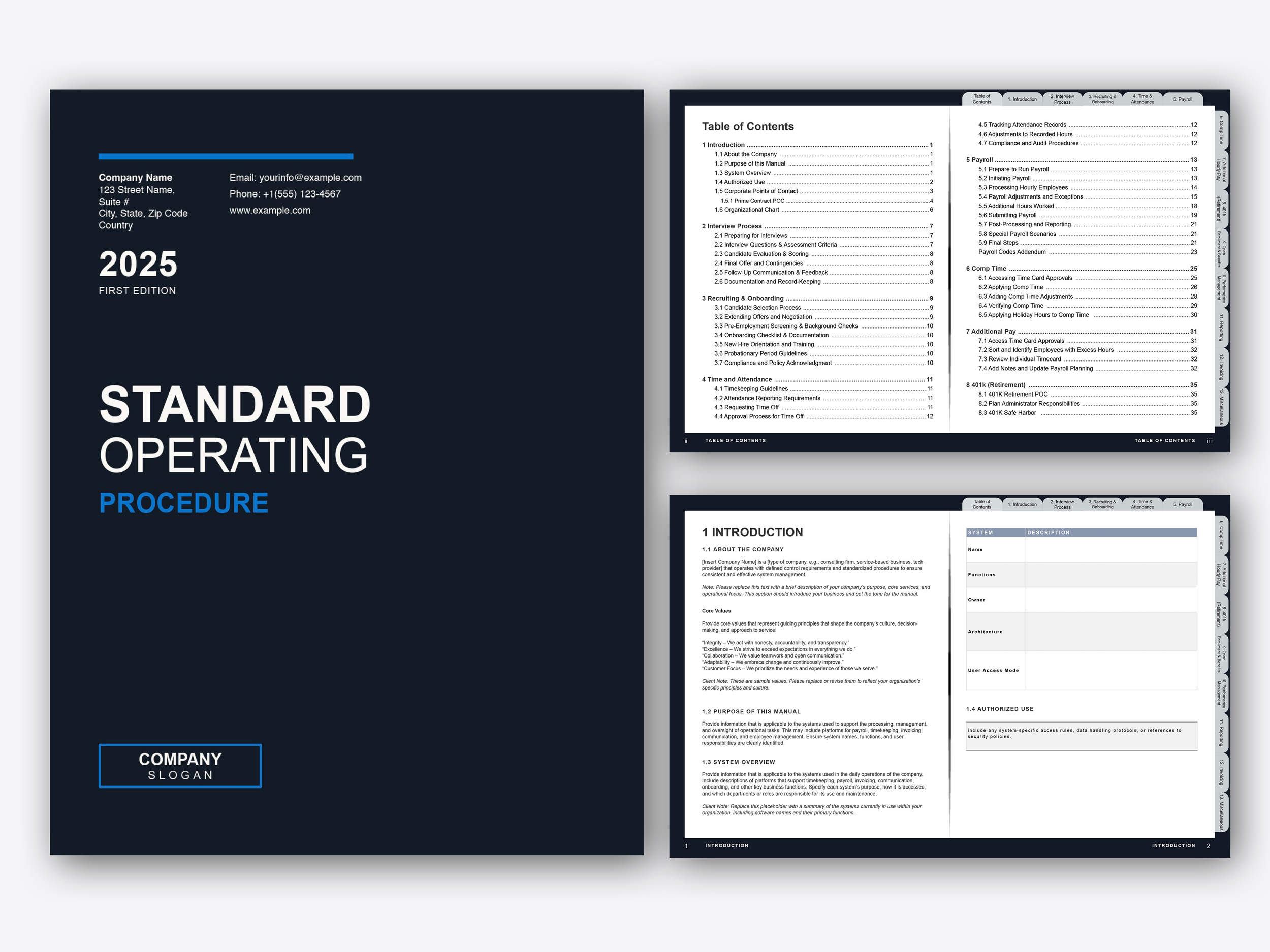
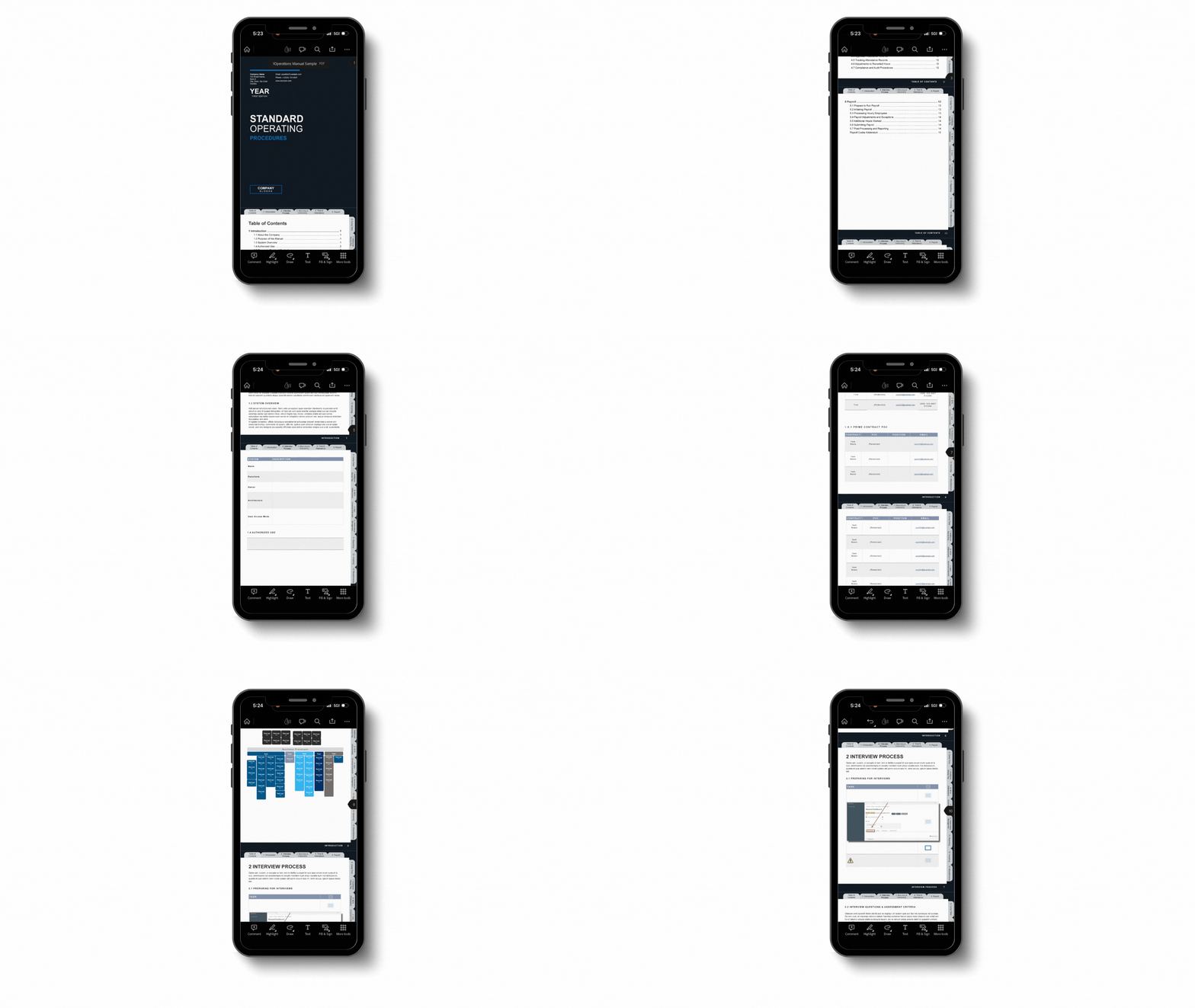
Start tour →01Cover + navigation overview
02Interactive TOC + tab system
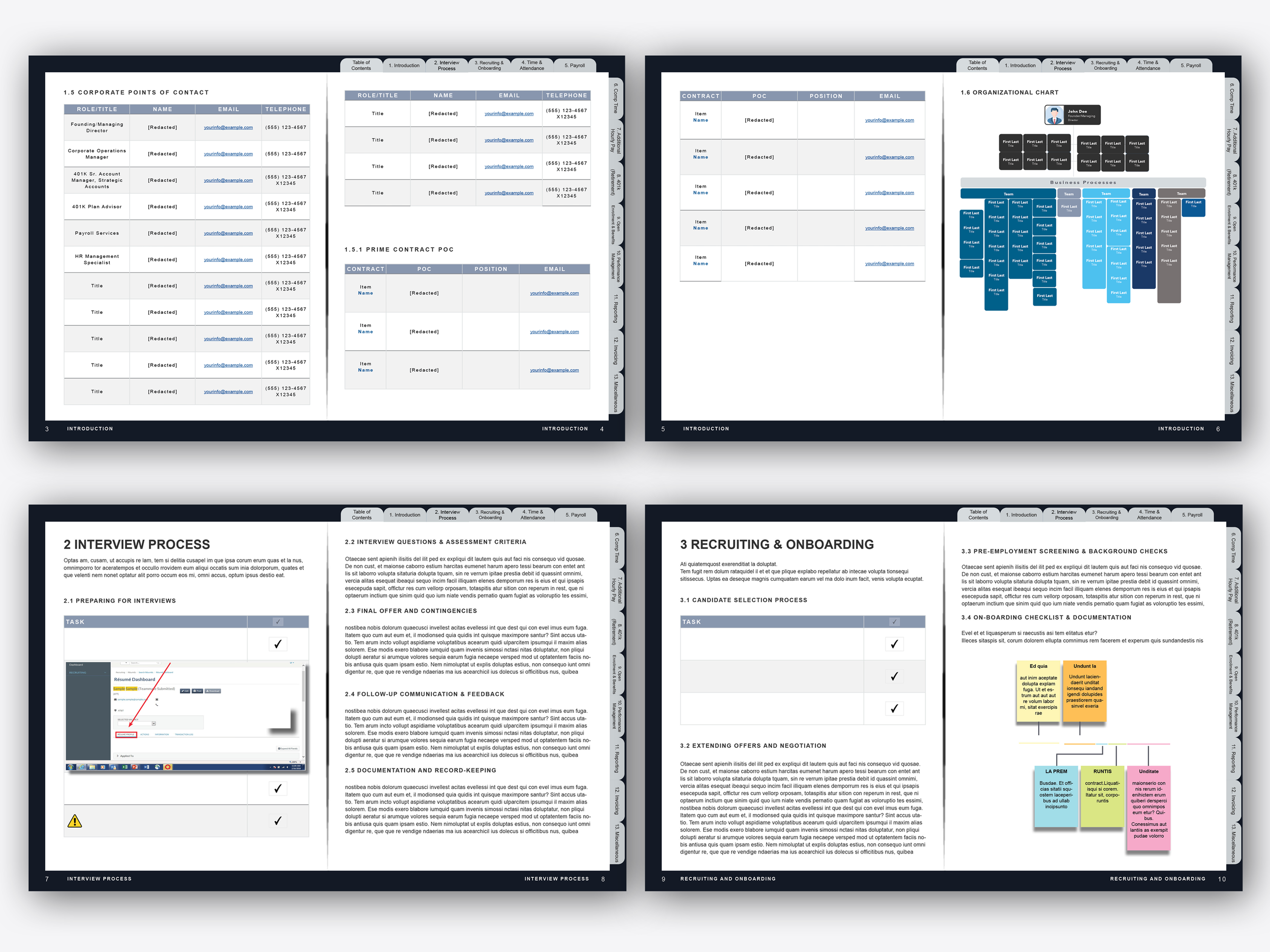
03SOP page template
04Checklist + embedded references
05Onboarding flowchart
Takes ~20 seconds. Click Next to see how the manual works.
My role
Information architecture
Template + layout system
Interactive navigation model
Visual standardization
Documentation QA
Print + digital readiness
Tools
InDesign
Acrobat
Interactive PDF
Mockups